
Development
Several things I like about macOS 27 Golden Gate that have nothing to do with AI
June 11, 2026 Development Source: Ars Technica
Share this article



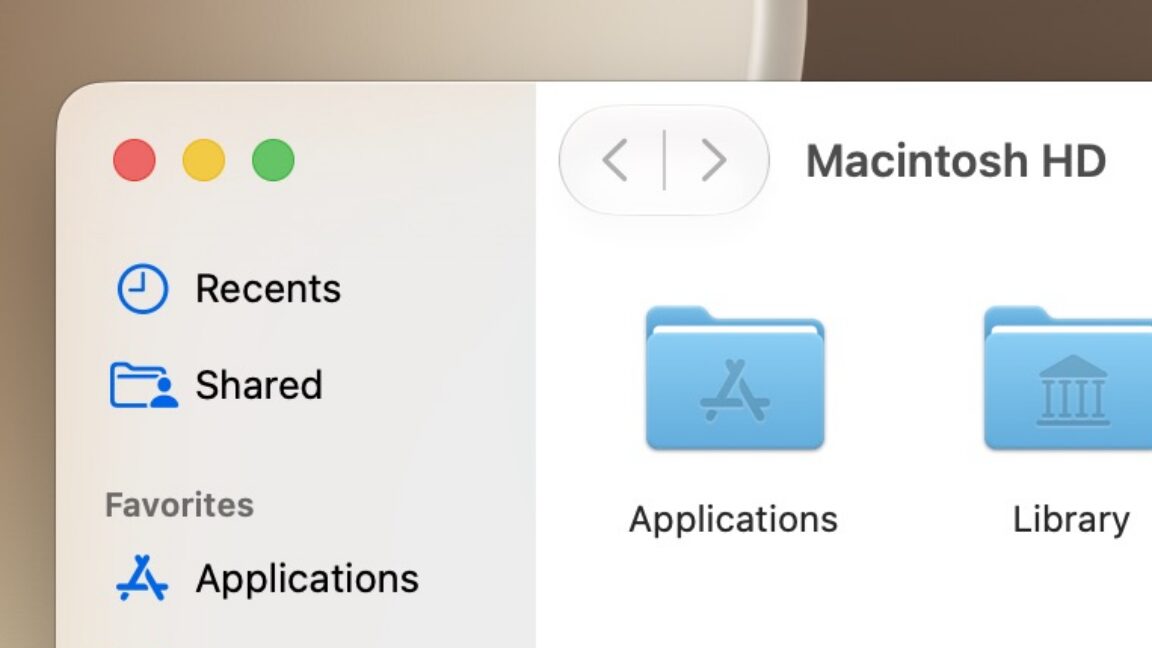
Liquid Glass’ baseline appearance has been improved a bit, too, even for people who push that slider all the way to the left for maximum glassiness. But as we covered in our Tahoe review, the Mac’s version of Liquid Glass was already much less glassy than the iOS version, and even the slider’s glassiest setting leaves notifications, menu bar menus, Spotlight searches, and most other things looking more tinted than glassy.
The other is a redesigned battery icon. I always choose to display the charge percentage alongside the battery indicator, and that number is now nested inside the battery icon, as it is on modern iPhones. This saves precious menu bar space, allowing you to add an additional icon before you start running underneath your laptop’s display notch or crowding out the menu bar’s actual menus.
I may be more enthusiastic about Apple’s virtualization technology because virtual machines make writing sprawling macOS reviews much easier, but these improvements are also handy for developers testing across multiple macOS versions or anyone running an Arm version of Linux on top of macOS.
Two WWDC developer sessions outline the improvements coming for anyone trying to run an OS on top of another. One explained the changes coming to virtual machines, including the ability to create user accounts and configure features like auto-login and SSH during the VM setup rather than having to do it manually. You also get USB passthrough, support for “advanced network topologies,” disk-images sharing between VMs with the new DiskImageKit, and Virtio support.
If you use one of the handful of lightweight free-to-use virtualization apps that plug into Apple’s Virtualization framework (I like VirtualBuddy; UTM is also a good choice), you’ll need to wait for those apps to be updated before they support these features.
Many of the entries on Apple’s wall of features are about speeding things up a little, including in corners of the OS that most people interact with only occasionally. These entries include smoother Safari scrolling (among many other claimed Safari improvements), faster AirDrop discovery and file transfer performance, faster switching at the lock screen, faster user account creation, faster browsing for networked storage, and faster OCR for photos and documents.
Many of these things will be difficult to measure objectively, and I hesitate to draw too many conclusions from how the very first beta is running on a test MacBook Air (though so far, it’s been one of the more stable Beta 1 versions of macOS in recent memory—definitely much better than Tahoe was at the same time last year). But the intended effect is “less waiting on your computer,” and it will be a solid win if Apple can pull it off.
This color is fully customizable and works for windows with both light and dark mode styling.
Of course, I could see this getting messy and exacerbating some of the readability issues people have had with the initial version of Liquid Glass. If you choose a green sidebar or toolbar icon for your app and the user sets their window to use the same shade of green, that’s a recipe for readability problems. But buttons and text in the OS can already change appearance based on the color that’s underneath them—extending that feature to support more flexible theming doesn’t seem like a huge leap.
I’m also not asking for quite the level of granularity seen in Xcode, where users can individually configure the colors of all kinds of OS elements, select different fonts, and even assign each project its own tint to differentiate it from the others. There’s such a thing as too many options, and the old Mac OS 9-era Appearance Manager gave users enough rope to hang themselves (aesthetically, I mean).
But even a limited list of window tint presets along the lines of the highlight colors Apple already offers feels like a logical next step for the company, a way to keep building on Tahoe’s icon customization options. Windows already pick up a tint automatically based on the content behind them! This would just be a way to let users choose their own persistent tint instead.